F&B · HAWKER — the original
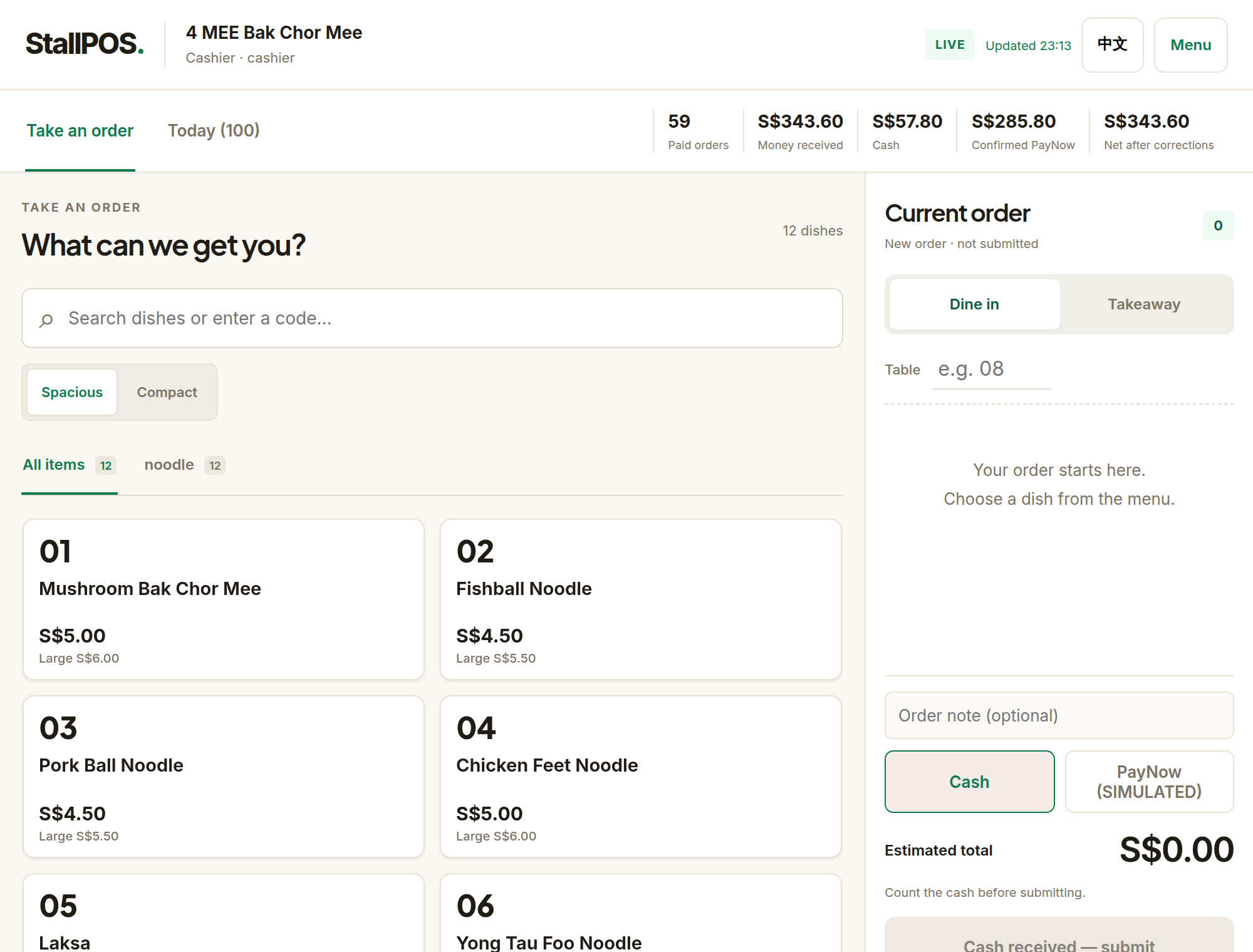
4 MEE Bak Chor Mee
肉脞面 — 小贩档口 / 餐饮
3-minute tour · order → kitchen → paid
- Open Customer menu on your phone → add a Mushroom Bak Chor Mee → Send order.
- Watch it appear on the Kitchen display — live tickets, orders already cooking.
- Open the Cashier — today's orders and money already counted.
- Take a number on the queue board, then call it at the counter.
You just ran a full lunch rush: order → kitchen → payment → queue.
Customer menu & order phone-friendly→
Cashier POS tills · corrections→
Kitchen display live tickets→
Queue — take a number pairs with Flow→
This is the original StallPOS stall — menu ordering is production-proven. Payments simulated in this demo.
RETAIL 零售
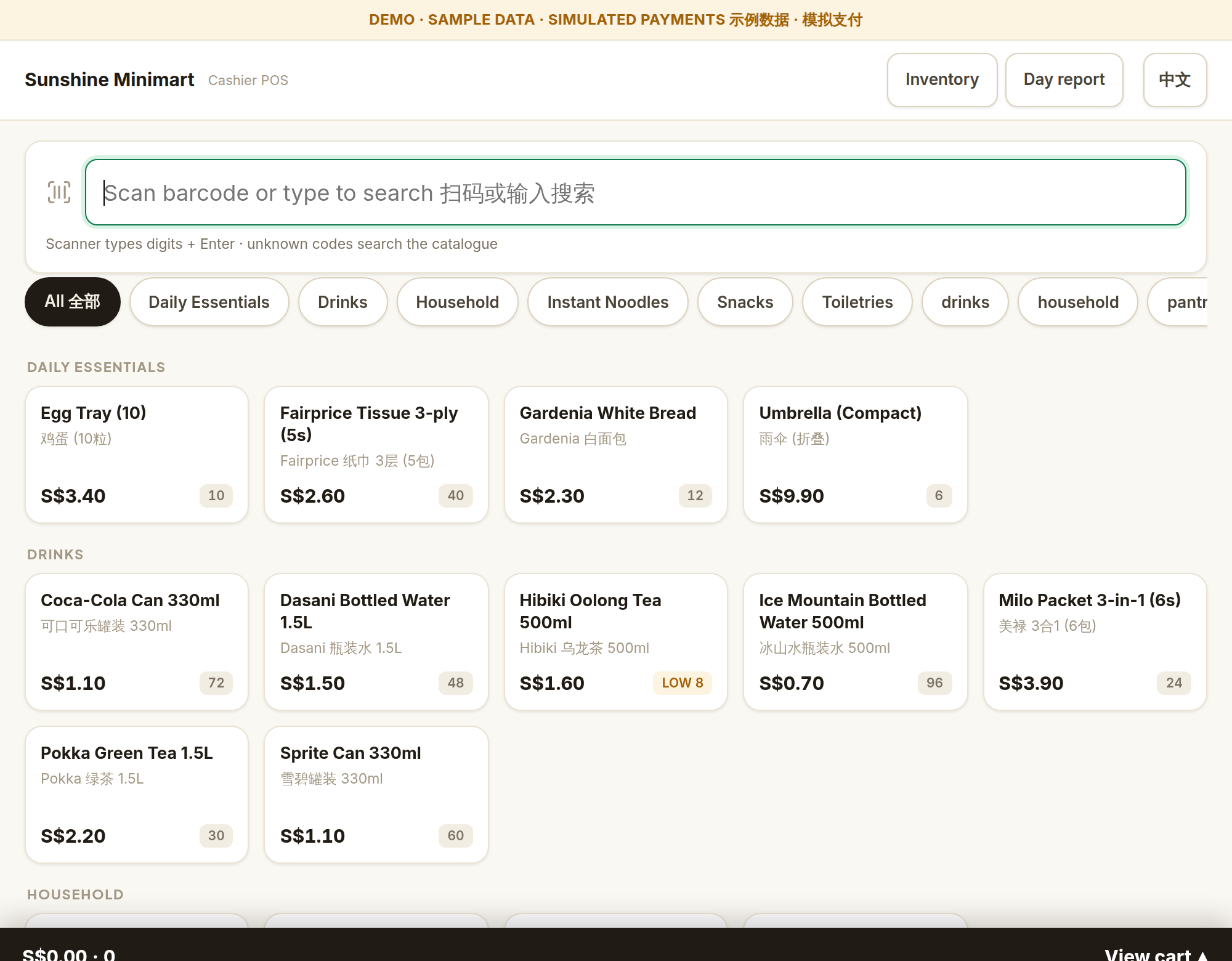
Sunshine Minimart
阳光便利店 — 便利店 / 迷你超市
3-minute tour · scan → sell → stock drops
- Open the Cashier POS and type barcode
2000000000015(or tap a product). - Take Cash → a GST-honest receipt prints, change computed for you.
- Open Inventory — the stock dropped by exactly your sale, with the ledger entry to prove it.
- Glance at the Owner report — your sale is already in today's numbers.
One sale, fully accounted: cash, stock, ledger, report.
Cashier POS — scan & checkout barcode input works→
Inventory & reorder stock ledger→
Owner report sales · gross profit→
Owner dashboard PIN (demo):
222333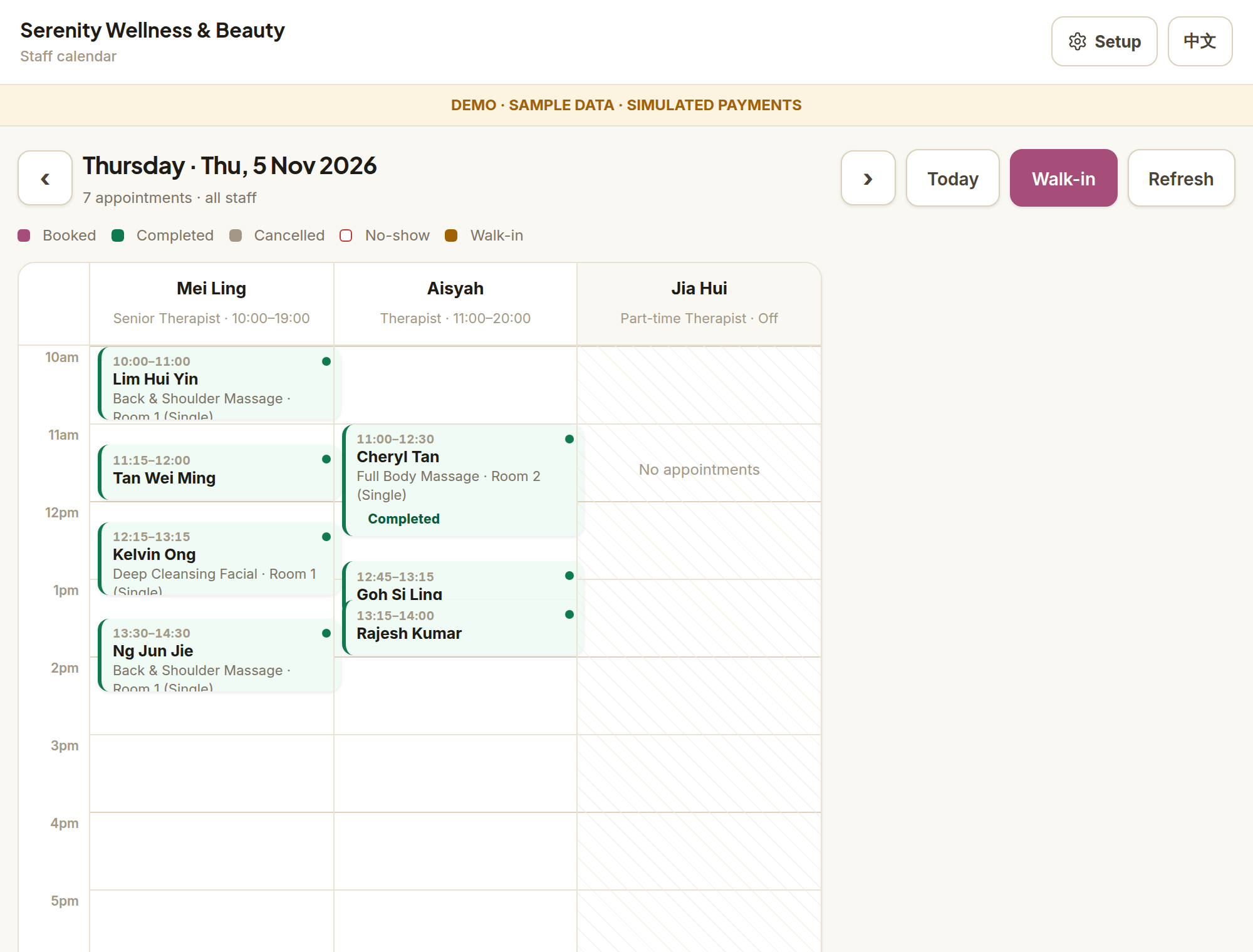
SERVICES 服务
Serenity Wellness & Beauty
宁心养生美容 — 美容 / 按摩 / 预约制商家
3-minute tour · book → serve → settle
- Open Customer booking on your phone → any therapist → tomorrow → a time → your name.
- Find yourself on the Staff calendar time grid.
- Tap your booking → Complete → PayNow (SIMULATED) — payment recorded, receipt ready.
- Open Customers → Cheryl Tan's package shows sessions remaining — it drops by exactly 1 when she redeems.
From booking to payment to package balance — no paper chits, no arguing.
Customer booking phone-friendly→
Staff calendar time grid · reschedule→
Customers & packages prepaid sessions→
Owner report cash vs liability→
Owner dashboard PIN (demo):
333444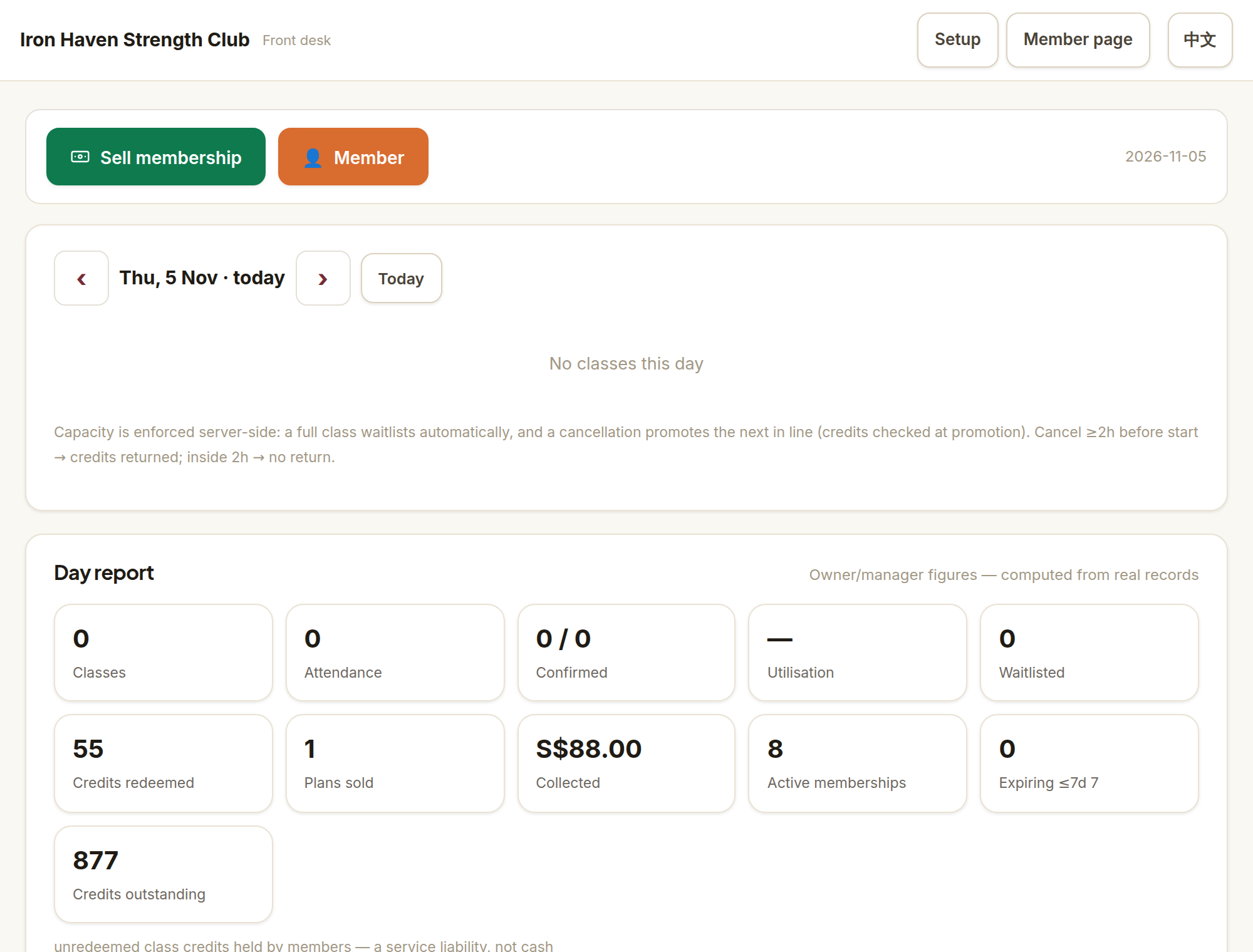
FITNESS 健身
Iron Haven Strength Club
铁港力量健身 — 健身房 / 团课 / 会员制工作室
3-minute tour · sell → book → check in
- Open the Front desk → Sell membership → pick a plan, take payment (SIMULATED).
- Book the new member into today's class — credits deduct automatically.
- Check them in at the door — one tap, once per class, no freeloaders.
- See the day report: attendance, utilisation, and today's takings.
A new member, a booked class and a paid plan — in under three minutes.
Front desk — sell · book · check in waitlists live→
Studio setup plans · types · schedule→
Public timetable JSON — no login→
Member links are issued at plan sale (shown once) — sell a plan at the desk to try the member page.
HOTEL 旅馆
Bayside Inn
湾畔小旅馆 — 精品小旅馆 / 青旅床位
3-minute tour · arrive → folio → check out
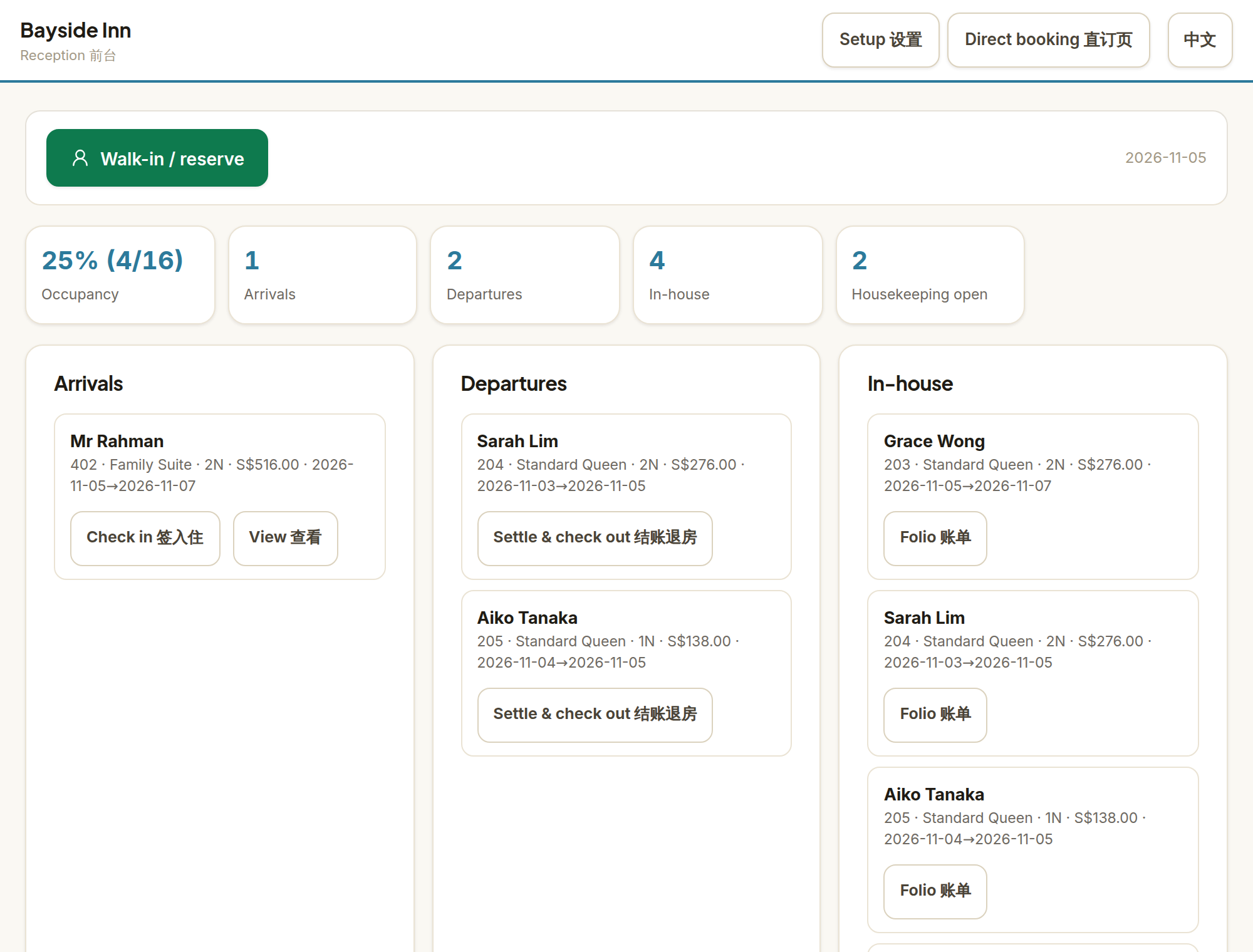
- Open Reception — see arrivals, in-house guests and today's departures.
- Check in today's arrival; open the folio and add a charge — everything itemised.
- Check out a departing guest — the bill settles first, then the room turns dirty.
- Advance housekeeping: dirty → cleaning → inspected → ready.
Check-in to check-out, with a folio that always balances.
Direct booking — guest view phone-friendly→
Reception — arrivals · folios · check-in housekeeping board→
Property setup types · rooms · blocks→
Guests book with just a name — no account, no online payment (pay at property). 无需注册 — 到店支付。
FLOW 排队
StallPOS Flow — queue
取号排队 — 大排档 / 取餐 / 柜台服务
2-minute tour · take a number → get called
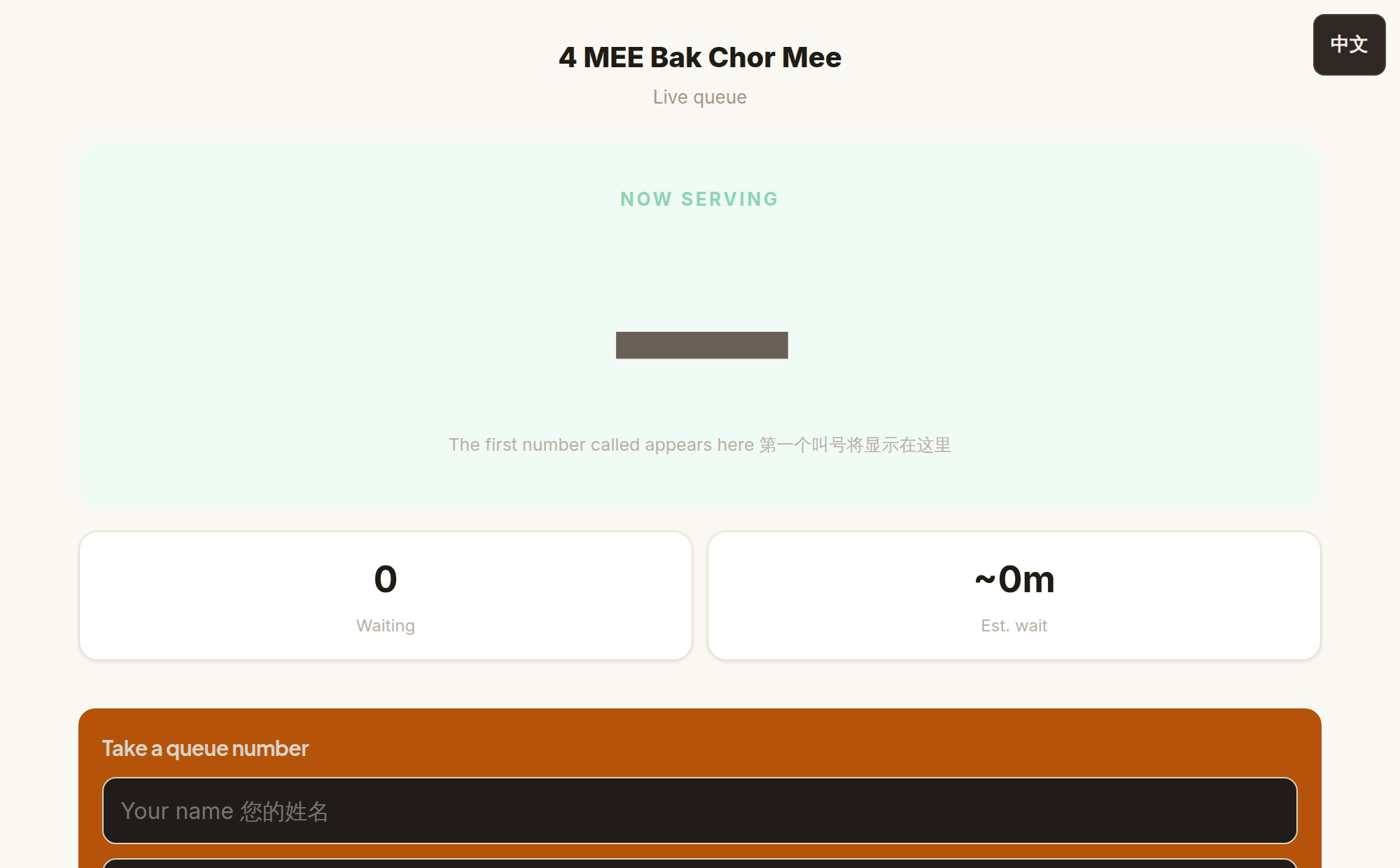
- Open the customer board on your phone → take a number.
- On the staff page, press Call next.
- Look back at your phone — it says it's your turn, and the big board shows your number.
A queue that runs itself — fairly and calmly.
Try it: open the customer page on your phone, take a number, then press Call next on the staff page.
These verticals run on an isolated demo database with fictional businesses (matching the HoMiDa demo pattern). No real customer data, no real payments, no emails or messages are ever sent. Demo data resets are rate-limited (2/hour per visitor). In production these features ship behind platform feature flags, off by default for existing merchants. — StallPOS